
The real price, colour by colour
Every colour has its own price per square metre, exactly as listed: yellow costs more than grey, and recycled ECO costs less. A quote based on an average price is wrong, and you find out when the invoice arrives.
Configurator
Type in how big the room is, pick a line and click the tiles to colour them. On the right the figures update as you work: how many tiles, how many square metres, how much discount and how much it costs. No sign-up, and nobody phones you.
What it does
Every colour has its own price per square metre, exactly as listed: yellow costs more than grey, and recycled ECO costs less. A quote based on an average price is wrong, and you find out when the invoice arrives.
You buy whole tiles: the figures round up and tell you how many pieces actually arrive. That is the number the installer needs, not the one you get by dividing the room.
As soon as the area passes a threshold, the discount appears in the total. You also see how far the next one is: sometimes it pays to take a few metres more.
Traffic lanes, work areas, no-go zones, a logo in the middle: you draw them by clicking cells, and every colour is counted separately.
The quote knows what the load weighs: on an industrial order that is several hundred kilos, and the type of vehicle changes the delivery cost.
Download the plan with the counts per colour as a PDF: pass it to whoever lays the floor, or attach it to a request for tender.
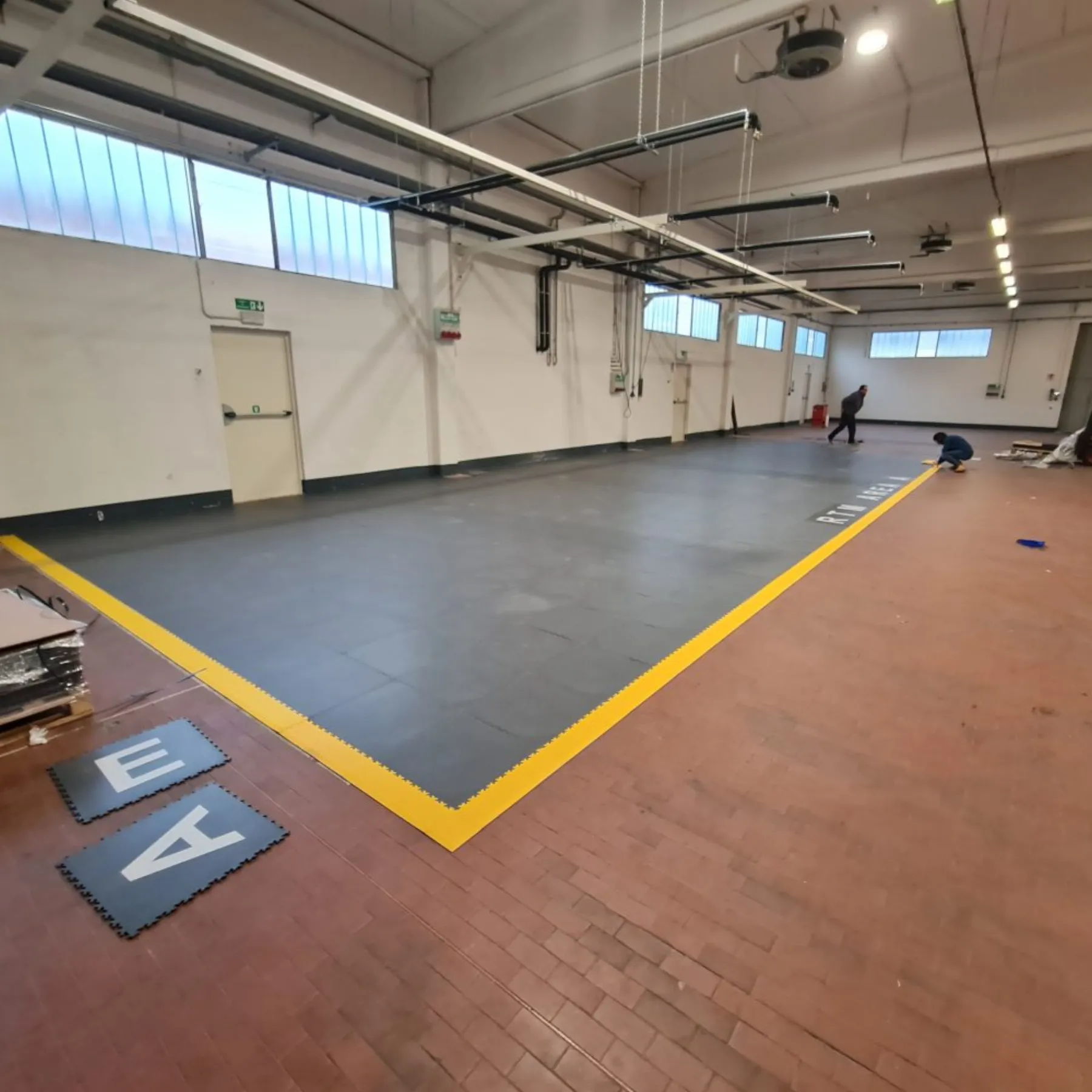
Specifiers and contractors
Above a hundred square metres a dedicated offer is always worth having: the discounts change, the transport changes and often the recommended line changes too. Send us the floor plan and the intended use: you get back a priced quotation, with the data sheets and classifications for the specification.
Send the floor plan